A teleprompter that stays out of OBS.
Pacedot is a Windows teleprompter that OBS Studio cannot see. Display Capture and Window Capture skip it, so you can read your script on the same screen you stream or record.
The OBS teleprompter problem
If you use Display Capture in OBS Studio, every window on that screen ends up in your stream or recording, including a teleprompter. The usual workarounds are a second monitor, a tablet beside the camera, or capturing a single window instead of the display.
Pacedot removes the trade-off. Its prompter is excluded from Windows screen capture, so OBS Display Capture and Window Capture both skip it.
Setting it up
- Add your Display Capture (or Window Capture) source in OBS as usual.
- Open your script in Pacedot and start the prompter. Place it under your webcam.
- Look at the OBS preview: the prompter is not there.
- Choose Voice pacing, so the script follows your speaking pace while you stream.
Or skip OBS for recorded videos
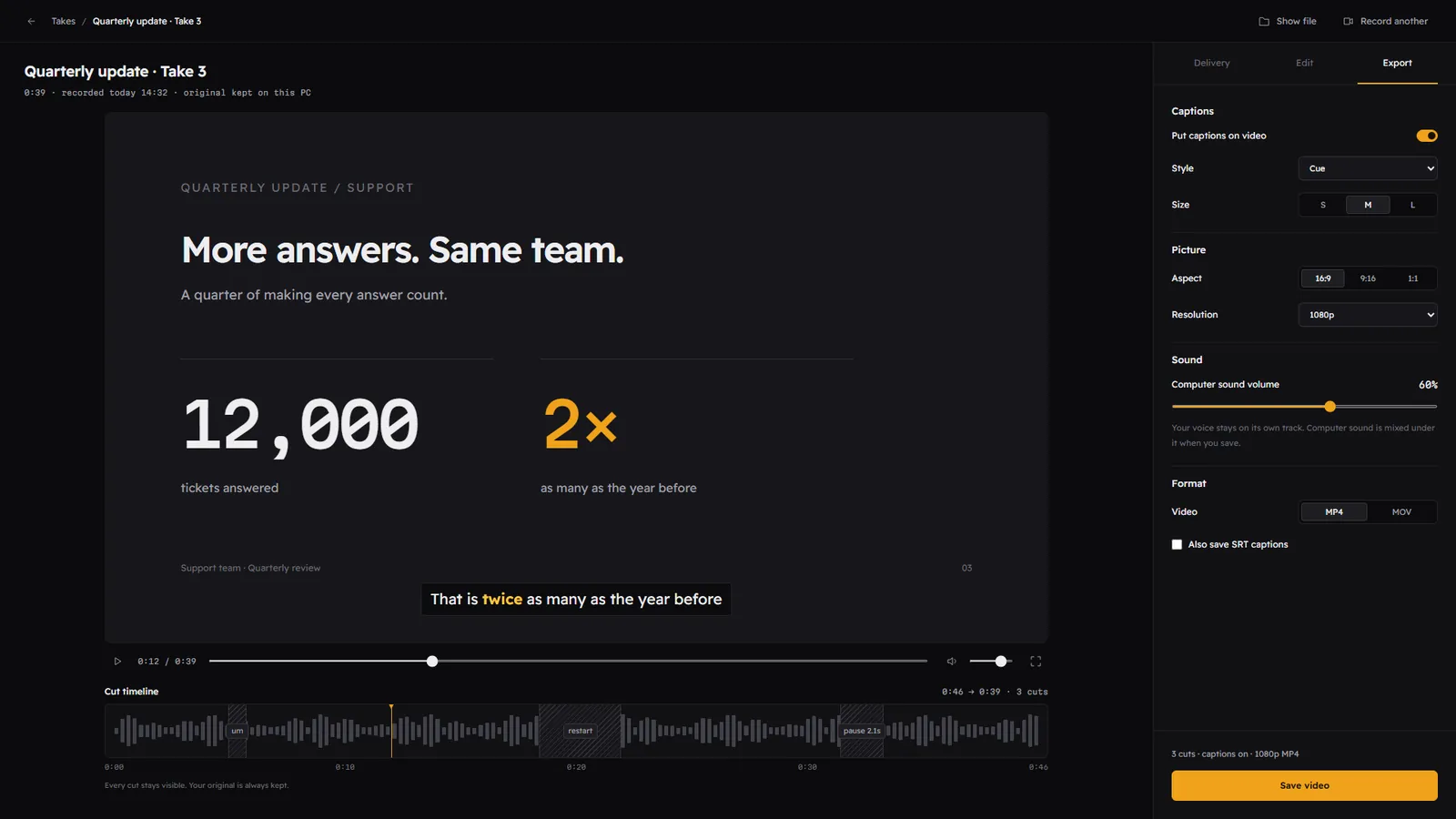
For tutorials and talking-head videos, Pacedot can record on its own: screen, camera or both, with your microphone and computer sound. After you stop, it gives you delivery feedback, cuts the fillers and restarts, adds captions, and exports in 16:9, 9:16 or 1:1. OBS stays the best tool for live streaming and complex scenes; Pacedot is quicker for a clean recorded take.
Last updated 2026-10-26
Questions
Does Pacedot work with OBS Display Capture?
Can I use Pacedot while streaming?
Is there an OBS plugin?
Keep reading
Read like a pro. Nobody sees the script.
Join the waitlist for the free beta on the Microsoft Store, and lock in the founding price before Premium launches.
Free during the beta. The first 500 sign-ups get Premium for $49 for the first year. One email when the beta opens, no spam. Privacy